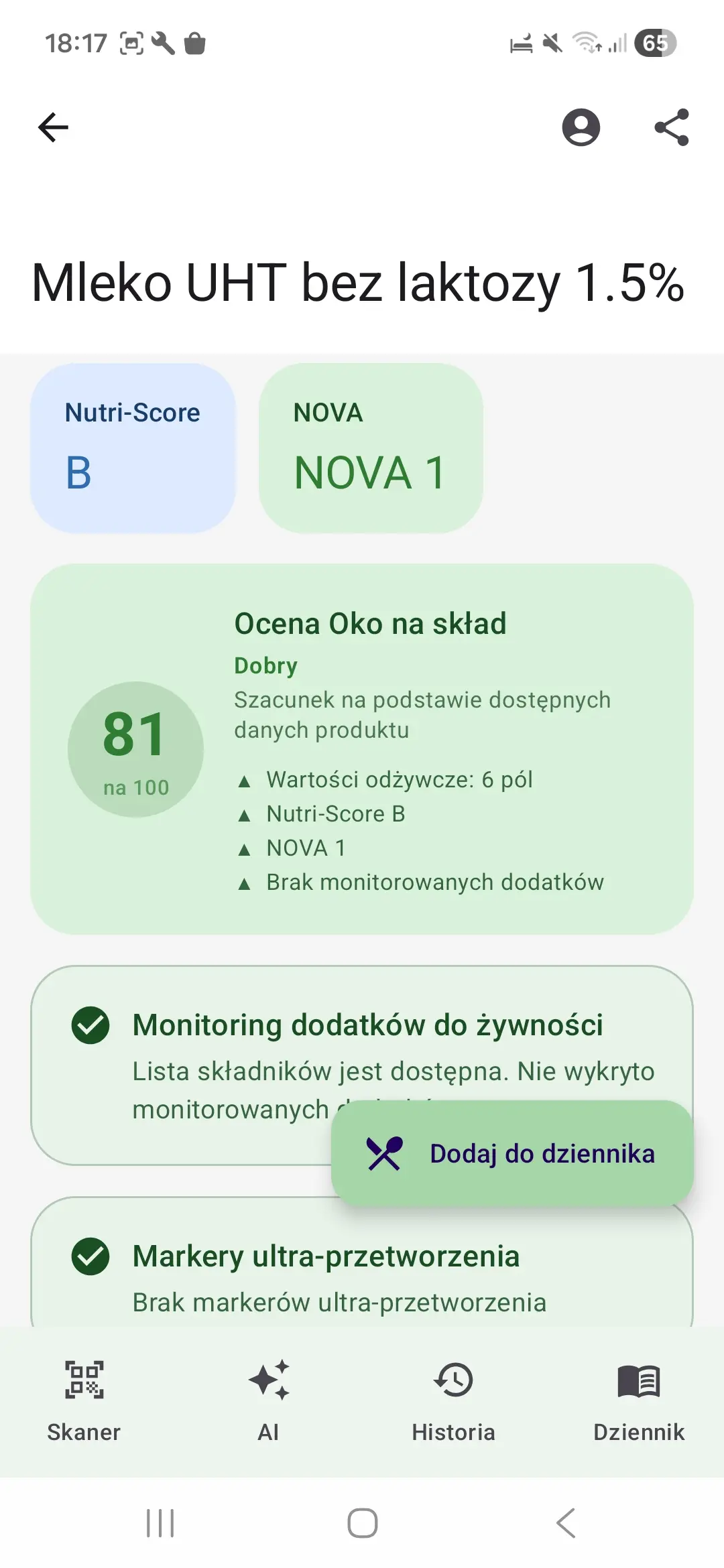
Check the label in three steps
Start with two products of the same kind. Look at their ingredients, nutrition tables and the portion you plan to eat.
- Read the ingredients. Ingredients are generally listed by descending weight used in production. Look for emphasised allergens. Source: EU food labelling rules.
- Compare the same amount. Match values per 100 g with values per 100 g, rather than a serving on the other pack. Then calculate your own portion.
- Check the current pack. App data may refer to an older recipe or have missing fields. If it differs, use the current label.
Example: how do you compare two yogurts?
This is an educational example with invented values, not a brand test or a scan result. It demonstrates the comparison method.
Yogurt A
Ingredients: milk, bacterial cultures.
Sugars: 4 g / 100 g
Protein: 5 g / 100 g
Pack size: 150 g
Yogurt B
Ingredients: milk, strawberries, sugar, bacterial cultures.
Sugars: 11 g / 100 g
Protein: 4 g / 100 g
Pack size: 150 g
The whole pot of A contains 6 g of sugars (4 × 1.5), while B contains 16.5 g (11 × 1.5). In this example, A has less sugar for the same amount of product. That compares one value; it is not a full product assessment or dietary recommendation.
In the app, scan each product and check its available data. Return to the previous result in your history. Some products have incomplete information.
What does an E-number mean?
An E-number identifies a food additive. Additives have different functions, such as preserving or thickening, and are subject to safety assessments and conditions of use. The symbol alone does not rate the whole product. Source: EFSA — food additives.
Oko na skład provides available additive information and explains how its rating works. Distinguish label data from the app’s supporting interpretation.
How Oko na skład helps
The app lets you scan a barcode and move straight to a product screen with the most important details. Instead of searching manually, you immediately see ingredients, nutrition values, and any areas that may need attention.
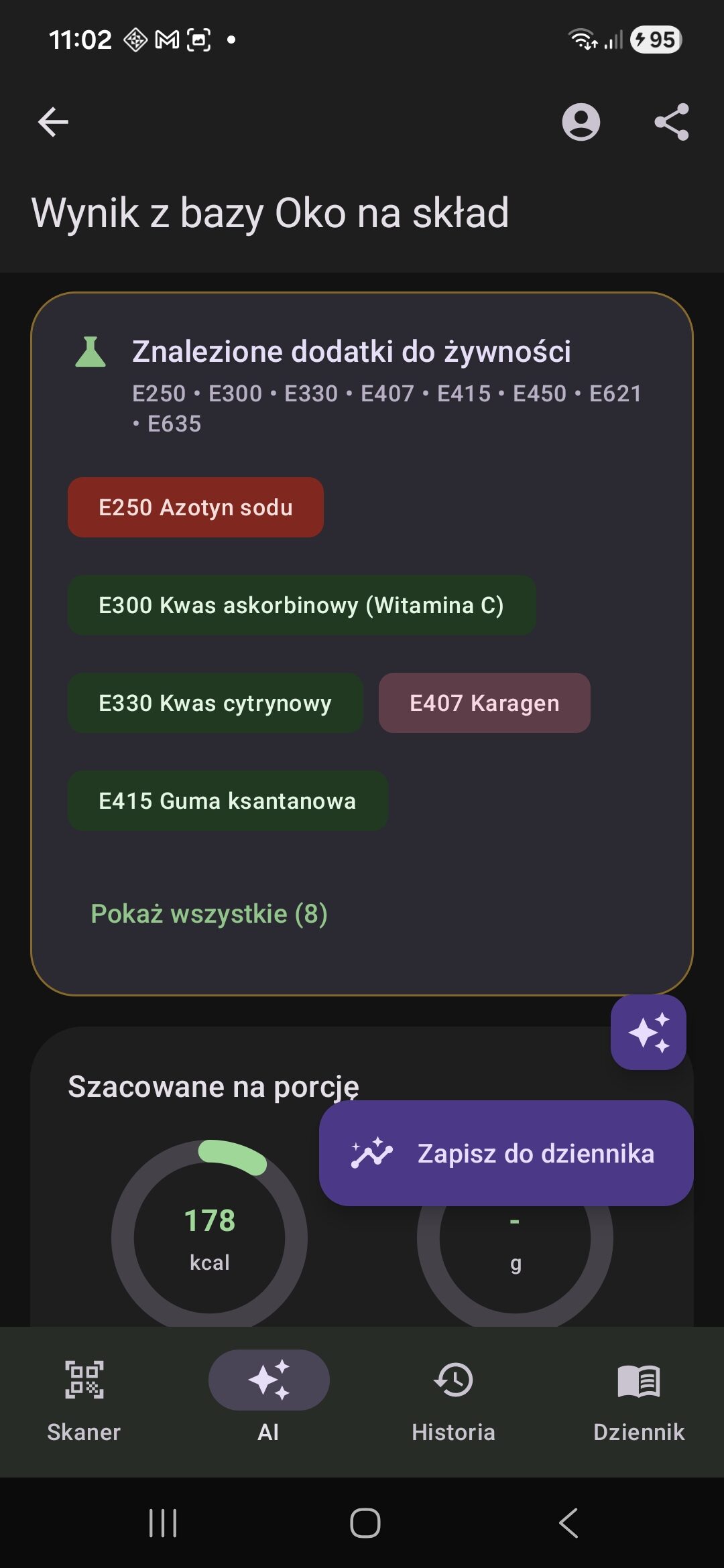
Polish app interface showing food additives in a product result. This interface example is separate from the yogurt comparison above.
When this works especially well
This approach is especially helpful during fast grocery shopping, when comparing two similar products, or when you are trying to stay consistent with your own nutrition priorities.
Photo and data privacy
Standard barcode scanning happens locally in the app and does not store photos on our server. If you later use the standard AI meal analysis flow, those photos are not stored on our server either.
Standard AI analysis photos are transmitted for processing but are not stored on our server. Photos submitted separately for a missing product are stored and moderated. See the privacy policy for details.
Important safety note
Information shown after scanning or analysis, including the Oko na sklad product rating, ultra-processing markers, ingredient data, allergen data, additive data, ingredients-to-watch data, dietary-profile matches, nutrition values, and AI results, is assistive only. It may be incomplete, outdated, or incorrect due to source-data issues, missing product data, recipe changes, OCR errors, parsing errors, AI errors, or moderation errors.
The absence of a warning, a positive marker, or a higher rating is not proof that a product or meal is safe or suitable for you. Always verify the current label, manufacturer information, or a verified recipe, especially for allergies, intolerances, or diet-related health conditions.
FAQ
Do I need to understand labels to use this?
No. The biggest benefit is that the most important information is presented faster and more clearly.
Does the app help compare products in-store?
Yes. You can quickly check another product and compare its ingredients or nutrition values with your previous choice.
Does it work in Polish?
Yes. The website and the app are designed for both Polish and English users.